
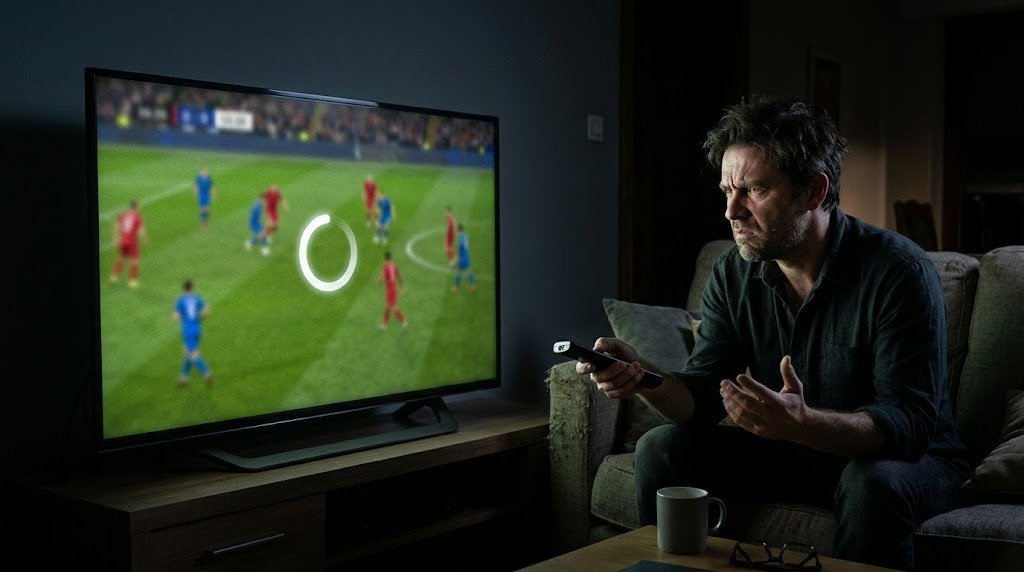
Nothing ruins a match faster than IPTV buffering: the picture freezes, the wheel spins and everyone groans. The good news is that most buffering has a simple cause, and very often it is not the subscription itself but the journey between your router and your television. This guide helps you find where the problem comes from, then walks through ten fixes that actually work, in the order worth trying them.
In short: first note when it happens. If IPTV buffering only appears in the evening, it is usually server load; if it happens at any time, look at your home network. Test your speed from the TV itself, switch to an Ethernet cable or 5 GHz Wi-Fi, restart your router and close anything else using the connection.
Why does IPTV buffering happen?
A stream is sent as a continuous flow of data. Your player keeps a small reserve, the buffer, to absorb small interruptions. When data arrives more slowly than it is played, the reserve empties and the picture stops while it refills. That is buffering.
Three things can slow the flow:
- Your home network: weak Wi-Fi, an old router, too many devices online.
- Your broadband line: not enough speed, or speed that drops at peak times.
- The server: overloaded by too many viewers at once.
The 30-second diagnosis
| When does IPTV buffering happen? | Likely cause | Where to look |
|---|---|---|
| Only in the evening or during big matches | Server load or line congestion | Contact support, test at another time |
| At any time of day | Home network | Wi-Fi, router, cables |
| Only on one device | That device or its app | Update, restart, try another app |
| Only on 4K channels | Not enough bandwidth | Switch to FHD or improve the connection |
Fix 1: test your speed from the TV
The speed your provider advertises is not the speed reaching your television. Open the browser on the TV, stick or box and run a test on a site such as Fast.com. Do it once in the day and once between 8 pm and 10 pm.
| Quality | Recommended speed per screen |
|---|---|
| HD | 6 to 8 Mbps |
| Full HD | 10 to 12 Mbps |
| 4K | 25 Mbps |
Fix 2: use an Ethernet cable
A cable between the router and the TV removes the most common cause of IPTV buffering. If a cable is impossible, powerline adapters carry the network through your electrical sockets and are often far better than Wi-Fi.
Fix 3: switch to 5 GHz Wi-Fi
The 2.4 GHz band reaches further but is shared with every neighbour’s network. The 5 GHz band is faster and less crowded at short range. Most routers broadcast both; connect your streaming device to the 5 GHz one.
Fix 4: restart your router and device
Routers that run for weeks without a restart slow down. Switch the router off for a minute, restart your TV or stick, and try again. It sounds basic, but it sorts out a surprising number of cases.
Fix 5: free up your bandwidth
Downloads, game updates, cloud backups and other streams all compete with your IPTV. Pause them during the match, especially on a slower line.
Fix 6: drop to Full HD at peak times
If your evening speed is close to the 25 Mbps needed for 4K, choose the Full HD version of the channel. You lose a little sharpness but gain a smooth picture.
Fix 7: update or change your app
An outdated app can stutter. Update it from your device’s store. If the problem only occurs in one app, try another player with the same login details; our comparison IPTV Smarters Pro vs TiviMate can help you choose.
Fix 8: increase the buffer size
Some players let you increase the buffer in their settings. A larger buffer absorbs more variation in your connection, at the cost of a few extra seconds before the stream starts.
Fix 9: turn off your VPN for a test
A VPN adds an extra stop on the route and reduces your speed. Turn it off temporarily to see whether IPTV buffering stops.
Fix 10: clear the cache on Firestick and Android
On Fire TV and Android devices, an app’s cache can grow large. Go to Settings, Applications, find your IPTV app and clear its cache (not its data, or you will have to log in again). Our IPTV on Firestick guide shows where these menus are.
When to contact support
If buffering only happens in the evening on several devices, and your speed test is fine, the server may be under strain. Send support the channel, the time and your test results. That information helps them move you to a less busy server quickly.
What to remember
Most IPTV buffering comes from the home network, not the subscription. Note when it happens, test your speed from the TV, use a cable or 5 GHz Wi-Fi, restart your router and free up bandwidth. If evening buffering persists across devices, tell support.
Our British IPTV service runs on servers sized for peak evenings. Test it on your own connection with our free trial, and follow our installation guide for the best set-up.
Frequently asked questions
Why does my IPTV keep buffering?
Usually because data reaches your device more slowly than it is played. The most common causes are weak Wi-Fi, a congested line at peak times or other devices using the connection.
What internet speed do I need to stop IPTV buffering?
Allow 10 to 12 Mbps per screen for Full HD and 25 Mbps for 4K. What matters most is that the speed stays steady in the evening.
Does a VPN cause IPTV buffering?
It can. A VPN adds a step to the connection and reduces your speed. Turn it off temporarily to check.
Why does IPTV only buffer during football matches?
Big matches mean many viewers at once, which can strain servers and broadband lines. Test at another time; if the problem disappears, tell your provider.
Will an Ethernet cable stop buffering?
In most cases it helps a great deal, because Wi-Fi is the most common weak link between the router and the TV.
Should I clear the cache on my Firestick?
Yes, clearing an IPTV app’s cache can improve smoothness. Clear the cache rather than the data, or you will have to log in again.